






Spearhead Color System is out now for Final Cut Pro
The Spearhead Color System is out now: log footage to a finished grade in one Final Cut Pro effect, with 16 camera profiles and 42 looks.
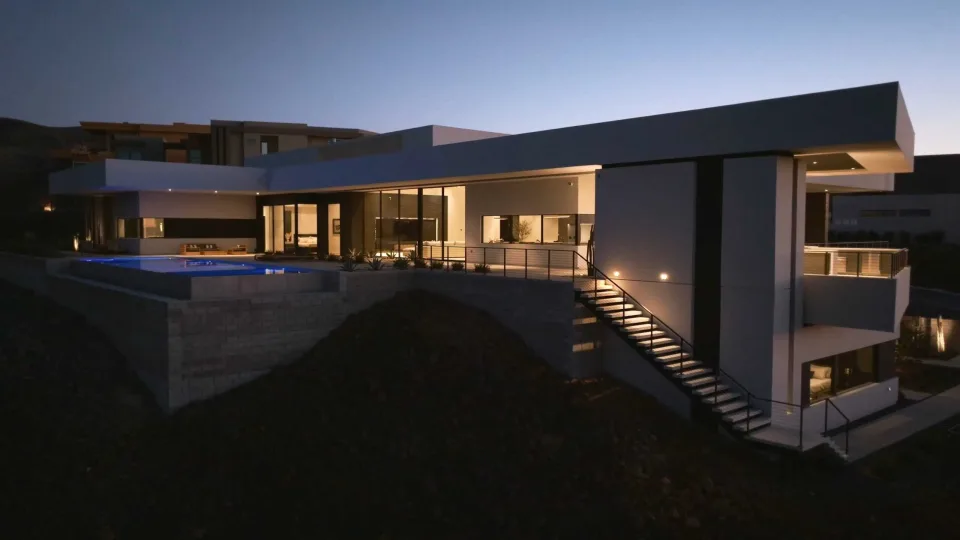
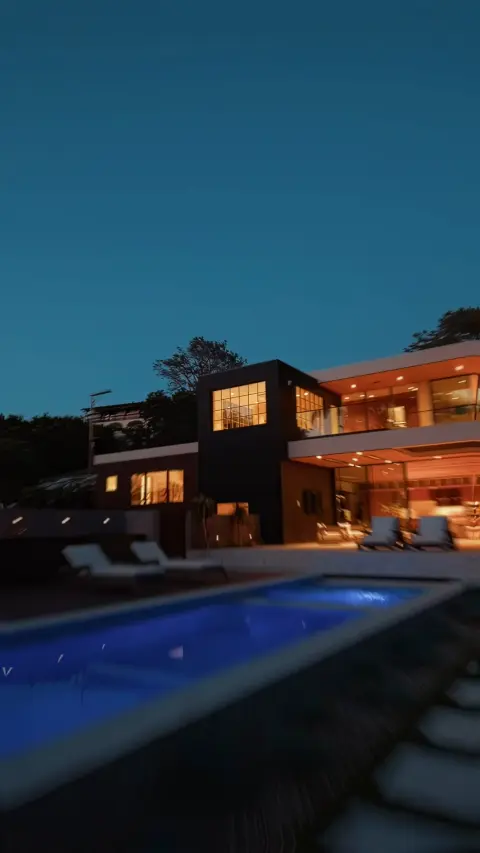
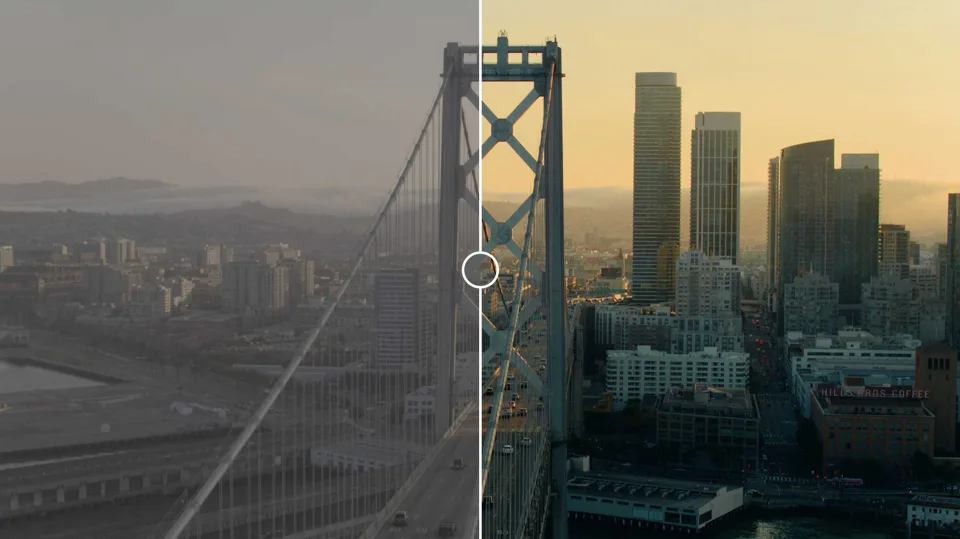
The Spearhead Color System is out now for Final Cut Pro. It takes log footage to a finished grade in one effect, without a round trip to Resolve. We built it for our own real estate, event and brand work, and every frame in this post is graded with it, including The Point.
One effect. Eleven sections.
The Color System runs its sections in the same order every time: camera, white balance, exposure and tone, primaries, look, finish, lens effects, grain and letterbox. So your look always lands on a clean, well-exposed picture, and one look holds up across a whole shoot. Every section has its own on/off checkbox for a quick before and after.
- 16 log camera profiles
- 42 creative looks in 9 groups
- 11 sections, always in order
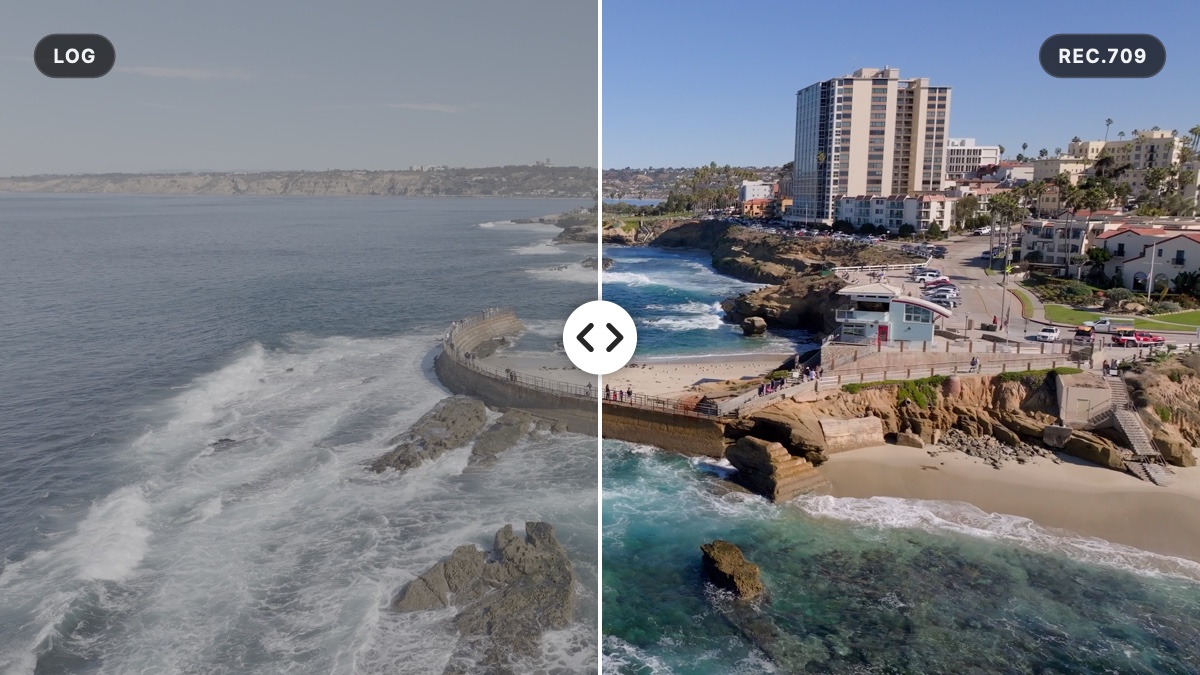
Log in. Rec.709 out.
Pick your camera and the flat log picture becomes clean Rec.709, using each maker's published math rather than LUT files. Sony, DJI, Canon, Apple Log, Arri, Blackmagic, Fuji, GoPro, Nikon, Panasonic and Red: 16 log profiles in all, landing on the same picture, so a drone shot and a gimbal shot of the same house match.
Have a conversion LUT you love? Add your own and it shows up in the same menu.
Click something white.
Set Kelvin and Tint in real scene light, before the conversion, the way the camera would. Or drop the WB Target on anything neutral, like a white wall or window trim: it measures that frame once and corrects the whole clip.
Grey Priority keeps the brightness where it is. White Priority lifts the weaker colors to match, for clean white walls.
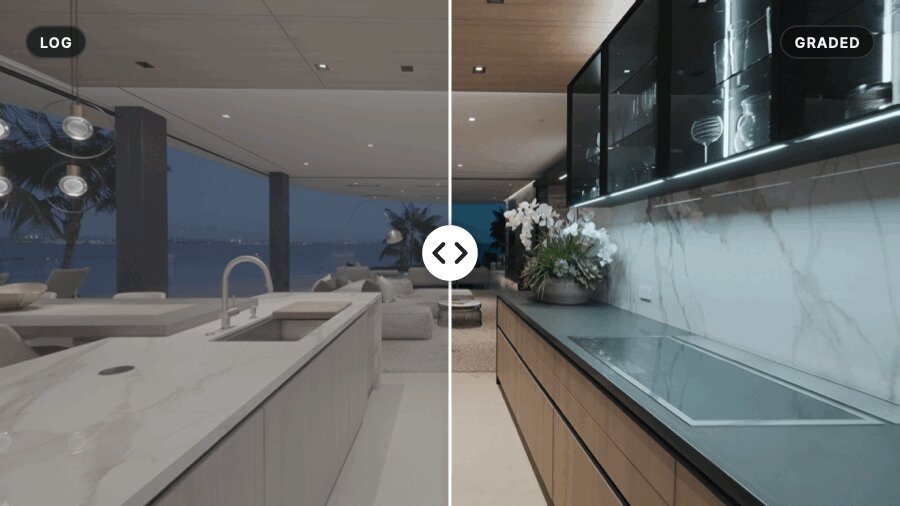
Windows back. Shadows open.
Exposure in real stops. Highlights and Peak Highlights pull blown windows and skies back, Shadows and Deep Shadows open up dark corners, and Black Point sets the very bottom. Clip Protect rolls off near-clipped highlights before they turn harsh.
Then Saturation, Vibrance that leaves skin alone, and Resolve-style Contrast around a pivot you choose.
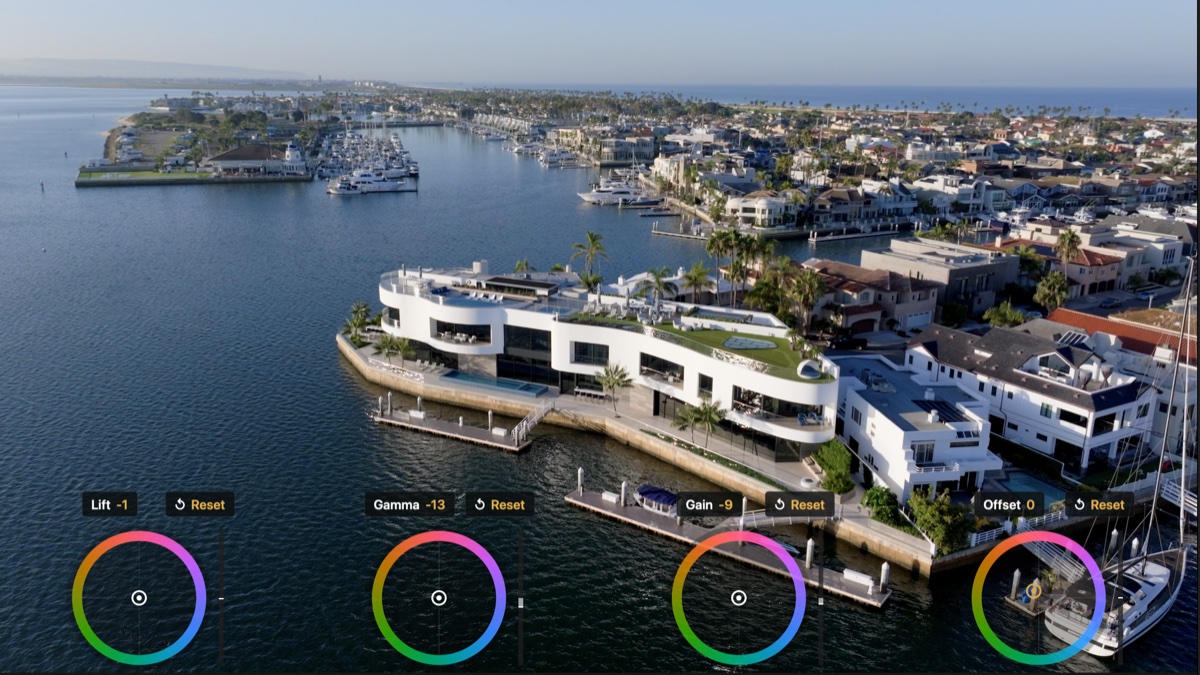
Wheels, right in the viewer.
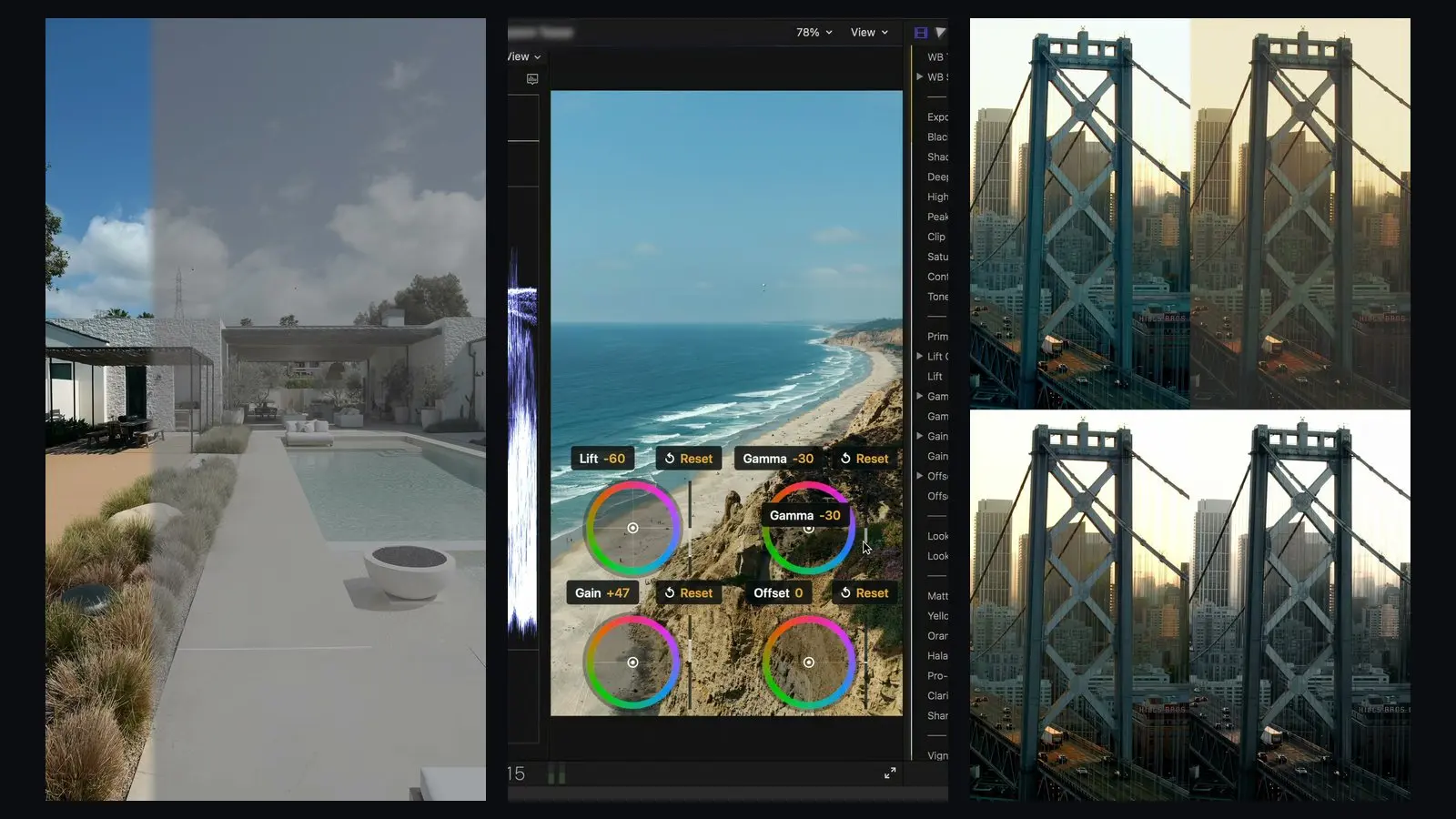
Lift, Gamma, Gain and Offset, in Resolve's order. Gamma moves the midtones while black and white stay put. Turn on Primaries Wheels and four real color wheels appear in the Final Cut viewer: drag the puck for color, the bar for brightness, and Reset to start over.
They stack two by two on vertical footage, and they never show up in your export.
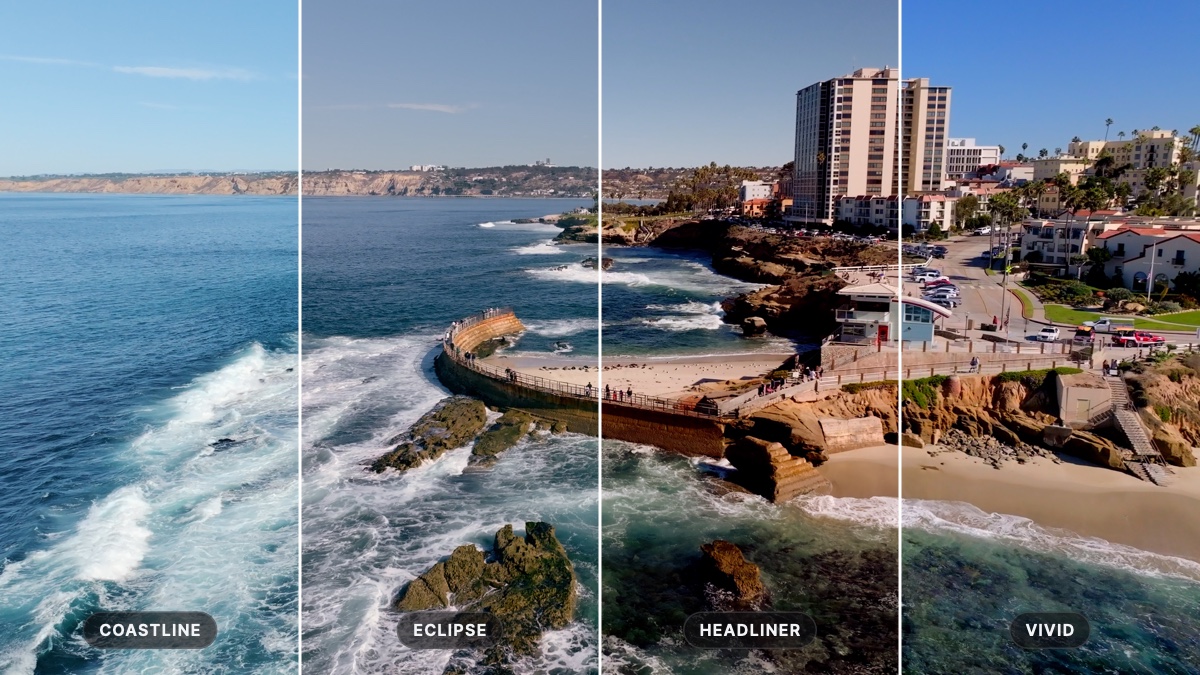
42 looks, built on real shoots.
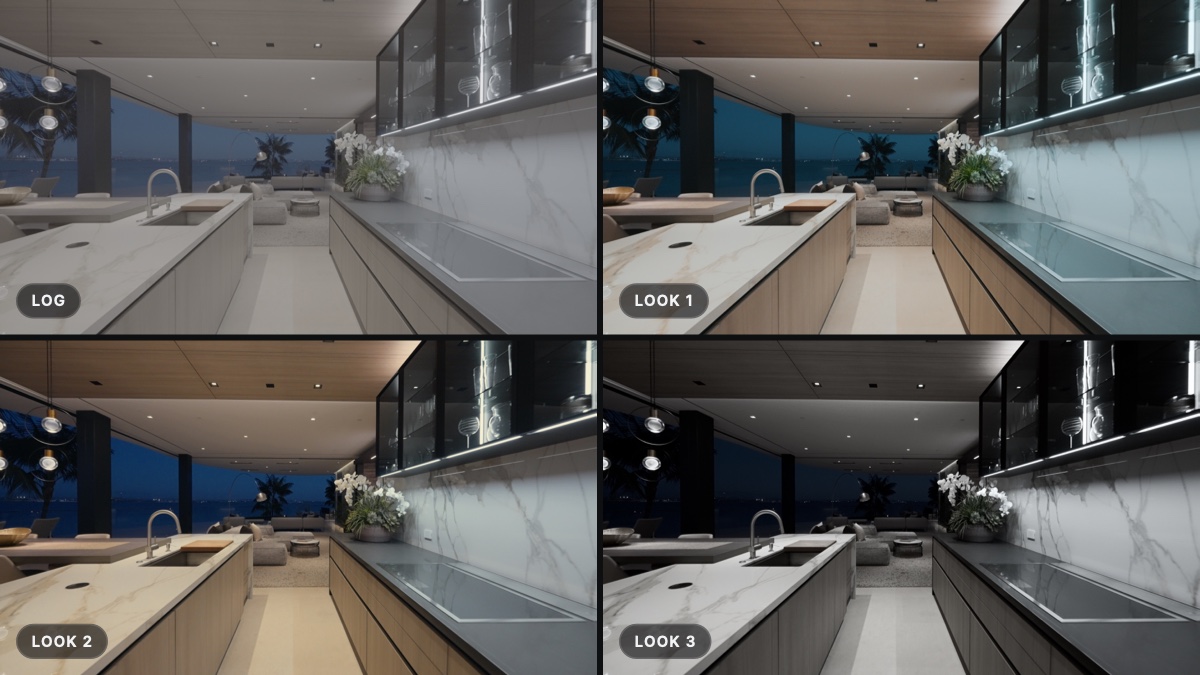
Nine groups: Cine, Estate, Festival, Film, Hospitality, Mono, Pop, Travel and Wedding. The Spearhead team reviewed every look one by one on real footage, and each has its own Look Intensity, so you can run any look at 40% or at 100%.
Add your own Look LUTs and they appear in the same menu. See all 42 looks.
The film finish, built in.
Matte for faded blacks. Yellow Desat and Orange Desat to calm tungsten walls and floors. Halation for a soft red glow around highlights, Pro-Mist Glow for diffusion, plus Clarity and Sharpen.

Vignette, Edge Blur, Lens Fringing.
Three lens effects, each with its own Range, Falloff and Aspect around a shared center, and each with guides you drag right in the viewer. Edge Blur softens the edges like a vintage lens. Lens Fringing splits red and blue toward the edges, softly blended, and bends with the oval.
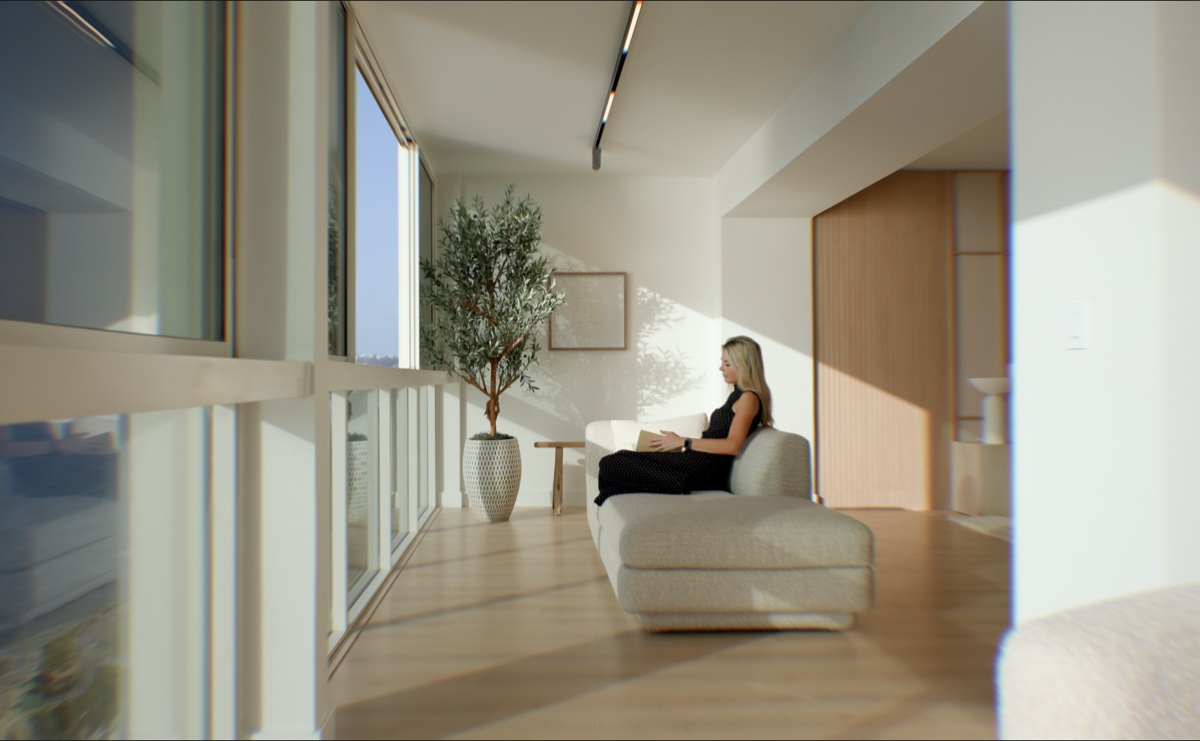
The last touch.
Film grain, with size and an animate option. Letterbox to 2.39:1 Scope, 1.85:1, 2.35:1, 2.00:1, 4:3, 1:1 or 9:16, with an offset to reframe. The bars render right into your export.
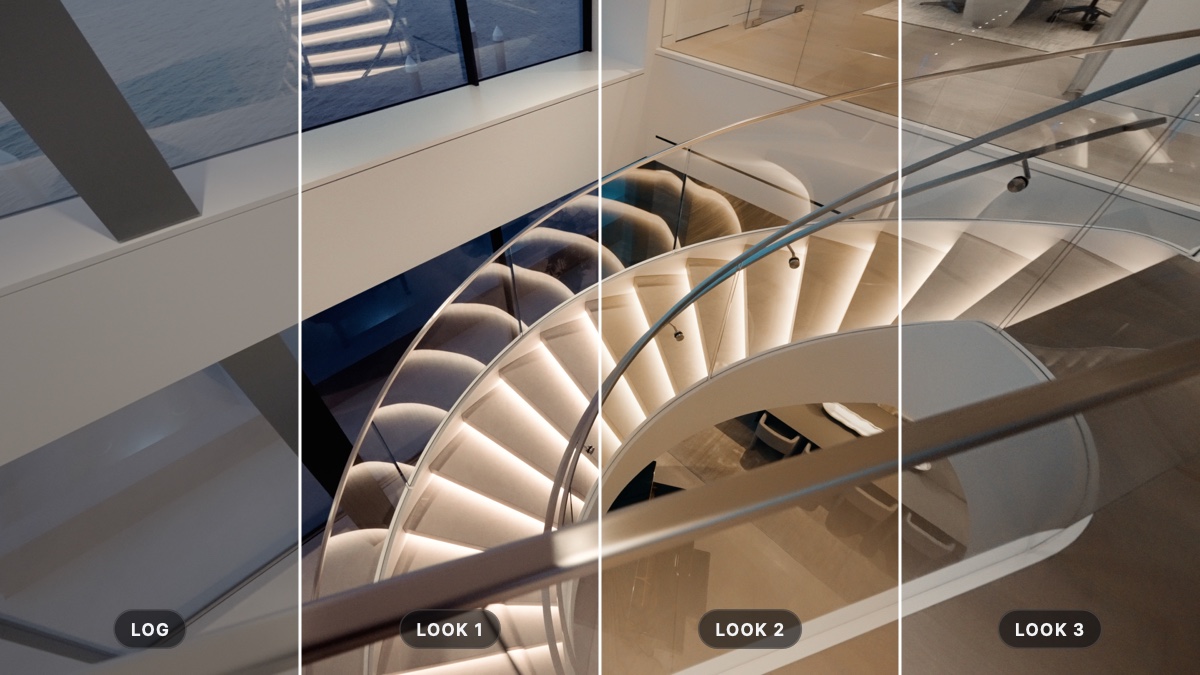
Presets, your LUTs, four effects.
Save your own presets and share them as files your team can double-click to import. Import any 3D .cube LUT, Resolve exports included, as a camera conversion or a look.
Use the full Spearhead Color System effect, or the lighter Convert, Grade and Finish effects; Finish works well on an adjustment layer. And your projects open the same after every update.
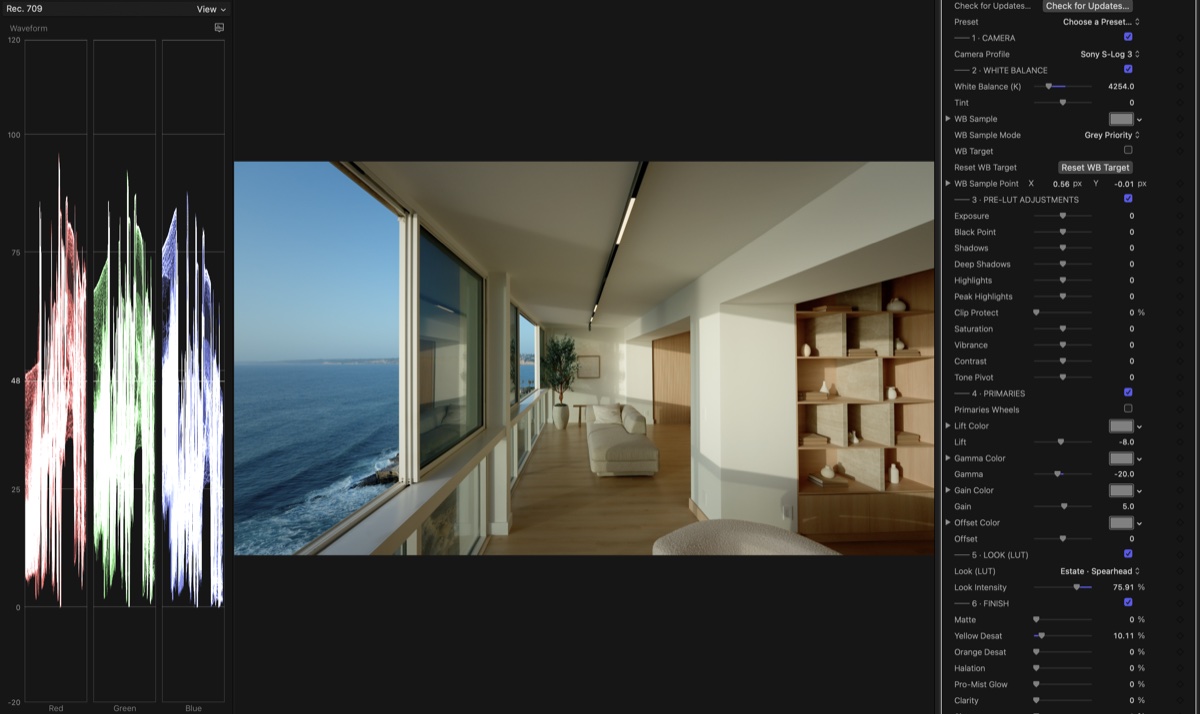
Up and running in a minute.
Download the installer, open it and paste your serial. Once it's activated, it works offline. Every section and slider is explained in the user guide, and we read every note sent through Send feedback: it shapes the next update.
Out now, $99.99.
A one-time purchase, with updates for this version included. For Final Cut Pro on Mac: Apple silicon or Intel, macOS 13 or later.
Launch week: take 10% off with code LAUNCH10 at checkout: $89.99 instead of $99.99, through Friday night, November 13.
Keep reading
More from the crew.

Introducing Spearhead Color System
Now available. A complete color pipeline for Final Cut Pro, in one effect, over a year in the making.

The Spearhead Color System is now available
Our color pipeline, built into one Final Cut Pro plugin: pick your camera, pick a look, finish with halation and grain. Now available, $99.9...
Cinematic LUTs 101: Understanding Their Purpose and How to Use Them
What are Cinematic LUTs? Cinematic LUTs are a powerful tool for filmmakers and video editors to add stunning looks and color grading to thei...